
Thanks for your feedback!
Transparent PNG Generator – Blank Transparent Images in Any Size
Need an empty transparent image? Make a blank transparent PNG in any size, from a tiny 1 × 1 pixel spacer to a full 4K canvas, or a see-through colour layer with the opacity you choose.
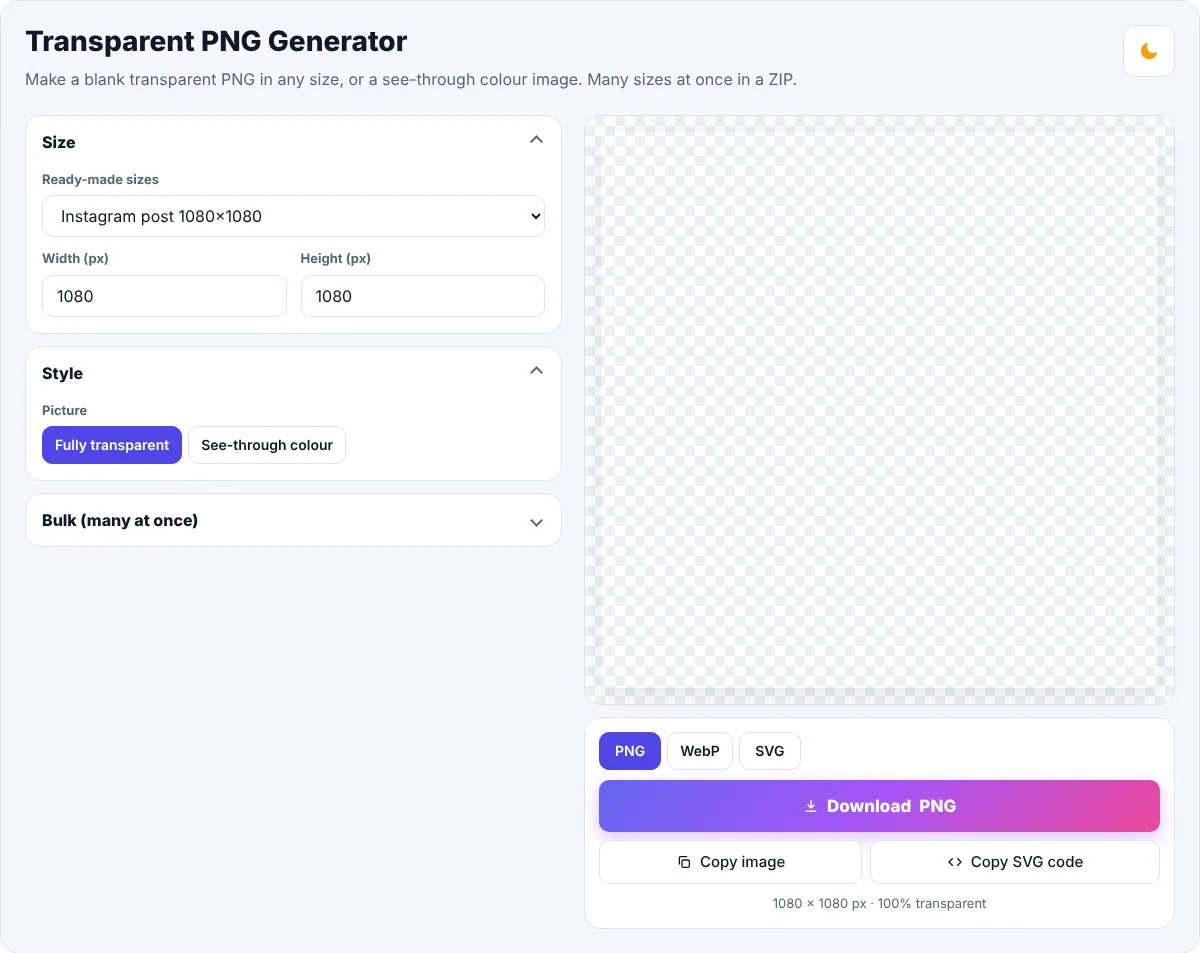
It is useful when a form, app or website asks for an image but you want nothing to show, when you need a clear layer for design work, or when you need a coloured overlay for a photo. You can also make many sizes at once and download them in a ZIP.
How to use the Transparent PNG Generator
- Choose a ready size (Instagram, YouTube, Full HD, A4 and more) or type your own width and height.
- Pick “Fully transparent”, or “See-through colour” and choose the colour and how clear it should be.
- Download as PNG or WebP (both keep transparency), or as SVG.
- Need several sizes? Open “Bulk”, type one size per line and download a ZIP.
Features
- Any sizePopular sizes in one click, or any custom width and height.
- Fully clear or tintedA 100% transparent image, or a colour layer with your chosen opacity.
- Keeps transparencyPNG, WebP and SVG all keep the see-through background.
- Many sizes at onceType a list of sizes and get them all in one ZIP.
Common uses for a transparent PNG
- Placeholders and spacers in email templates, website builders and apps.
- Empty profile or cover images where a platform insists on an upload.
- A base layer in design apps that start with a white background.
- Colour overlays: a 40% black layer on top of a photo makes white text easier to read.
- Testing image upload forms and transparency support.
Why the checkerboard?
The grey and white checkerboard is how image apps show “nothing here”. It is not part of your file. When you open the downloaded PNG on a page or in a design app, whatever is behind it will show through.
Want to remove a background instead?
This tool makes new, empty images. To make the background of an existing photo transparent, use the Background Remover or the Transparent Background Maker.
Frequently asked questions
Is the image really transparent?
Yes. “Fully transparent” makes every pixel 100% clear. The checkerboard you see is only the preview.
Which format keeps transparency?
PNG, WebP and SVG. JPG does not support transparency, so it is not offered here.
How big is a blank transparent PNG?
Very small. Because every pixel is the same, even large images are only a few kilobytes.
Can I make a semi-transparent colour image?
Yes. Choose “See-through colour”, pick a colour and set how clear it should be.
Can I make several sizes at once?
Yes. Use the Bulk section and type one size per line, for example 1920×1080. You get a ZIP with all the files.