
Was this tool helpful?
Thanks for your feedback!
Aspect Ratio Calculator – 16:9, 4:3, 1:1 and More
Work out the aspect ratio of any size, find the missing width or height when resizing, or read the ratio from an image. Common ratios such as 16:9, 4:3, 3:2, 1:1, 4:5 and 9:16 are one click away.
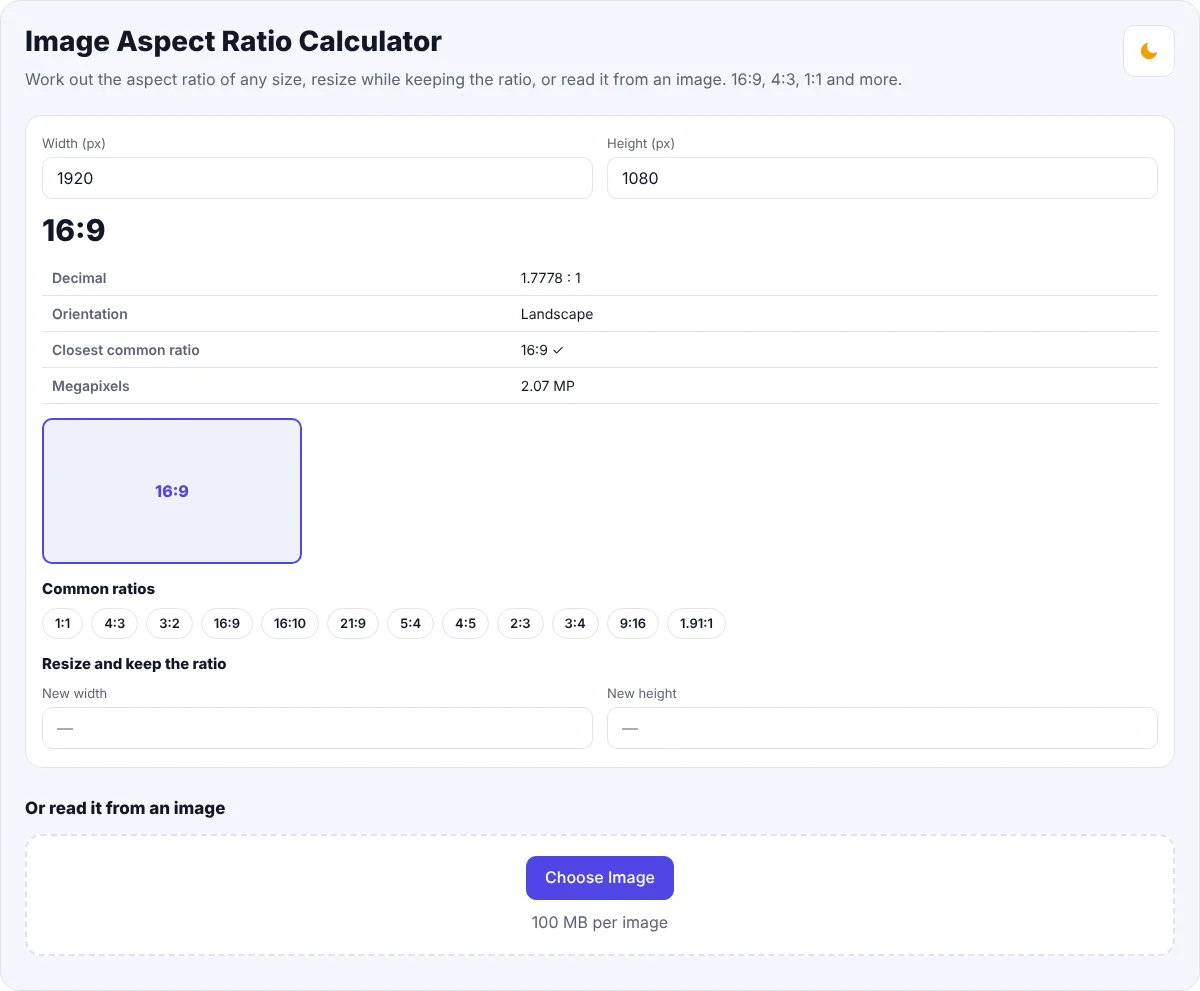
You also see the decimal ratio, orientation, closest common ratio and megapixels.
How to use the aspect ratio calculator
- Type a width and height, or click a common ratio.
- Read the ratio, decimal, orientation and closest common ratio.
- Under “Resize and keep the ratio”, type a new width to get the matching height (or the other way).
- Or choose an image to read its size and ratio.
Features
- Ratio from any sizeSimplified, like 1920 × 1080 = 16:9.
- Keep-ratio resizingFind the missing side.
- Common ratios1:1, 4:3, 3:2, 16:9, 16:10, 21:9, 5:4, 4:5, 2:3, 3:4, 9:16, 1.91:1.
- Read from imageAdd a picture to get its ratio.
- PrivateFiles are read in your browser. Nothing is uploaded to a server.
Common ratios and sizes
| Ratio | Sizes | Used for |
|---|---|---|
| 16:9 | 1280 × 720, 1920 × 1080, 3840 × 2160 | YouTube, TV, slides |
| 4:3 | 1024 × 768, 1600 × 1200 | Phone cameras, iPad |
| 3:2 | 1800 × 1200, 6000 × 4000 | DSLR, 6 × 4 prints |
| 1:1 | 1080 × 1080 | Instagram, profiles |
| 4:5 | 1080 × 1350 | Instagram portrait |
| 9:16 | 1080 × 1920 | Stories, Reels, TikTok |
How it is calculated
The width and height are divided by their greatest common divisor. 1920 and 1080 are both divisible by 120, giving 16:9. To keep a ratio when resizing: new height = new width × height ÷ width.
Frequently asked questions
How do I calculate an aspect ratio?
Type the width and height; the ratio appears.
What is 1920 × 1080?
16:9.
How do I keep the ratio when resizing?
Type the new width; the tool gives the height.
What ratio is A4?
About 1:1.414.
Is it free?
Yes.