
Was this tool helpful?
Thanks for your feedback!
Image Print Size Calculator – How Big Can I Print?
See how big a photo will print at any DPI, how many pixels you need for a print size, and how well your image prints at every common size, from a UK passport photo to A2 and 24 × 36 inch posters.
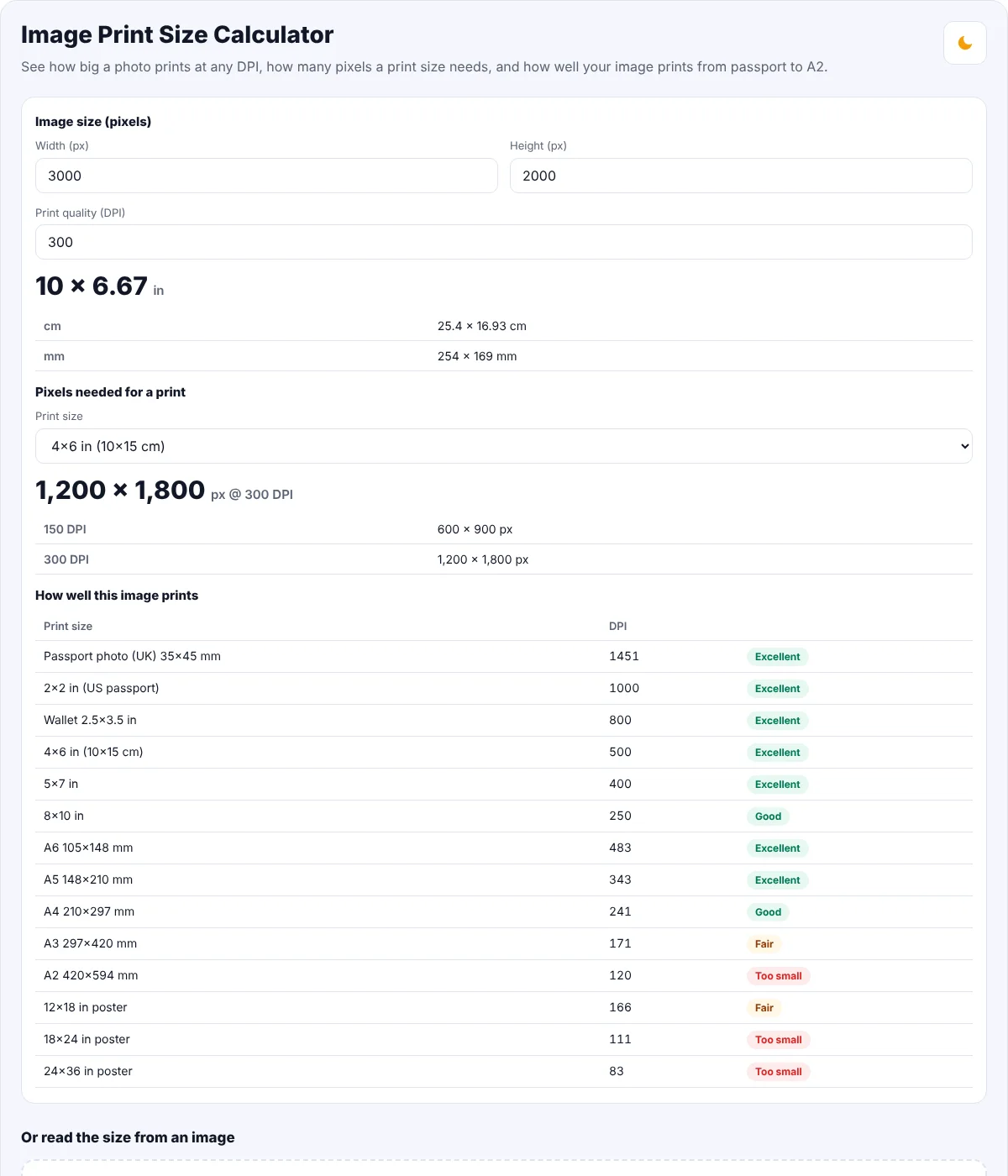
Type the pixel size or read it from an image. Each print size is rated Excellent, Good, Fair or Too small.
How to calculate print size
- Type the width and height in pixels, or choose an image to read them.
- Set the print quality (DPI); 300 is standard for photos.
- See the print size in inches, cm and mm, and the pixels needed for any paper size.
- Check the table to see how well your image prints at each size.
Features
- Print size at any DPIInches, cm and mm.
- Pixels neededFor 6 × 4, A4, posters and more.
- Quality ratingExcellent to Too small for each size.
- Read from imageAdd a picture to fill in the pixels.
- PrivateFiles are read in your browser. Nothing is uploaded to a server.
Pixels needed at 300 DPI
| Pixels | |
|---|---|
| 6 × 4 in (10 × 15 cm) | 1800 × 1200 |
| 7 × 5 in | 2100 × 1500 |
| 10 × 8 in | 3000 × 2400 |
| A4 | 2480 × 3508 |
| A3 | 3508 × 4961 |
Frequently asked questions
How big can I print my photo?
Divide the pixels by the DPI. 3000 px at 300 DPI is 10 inches.
What DPI do I need?
300 for photos held in the hand; 150 for posters.
My photo is too small. What now?
Try the AI Image Upscaler.
Can I enter cm?
Yes, choose a custom size.
Is it free?
Yes.