
Was this tool helpful?
Thanks for your feedback!
Low Light Photo Enhancer – Brighten Dark and Night Photos
Brighten dark and night photos without blowing out lights. The enhancer lifts shadows where they are dark, keeps street lamps and windows under control, cleans the noise that appears when brightening, and fixes the colour.
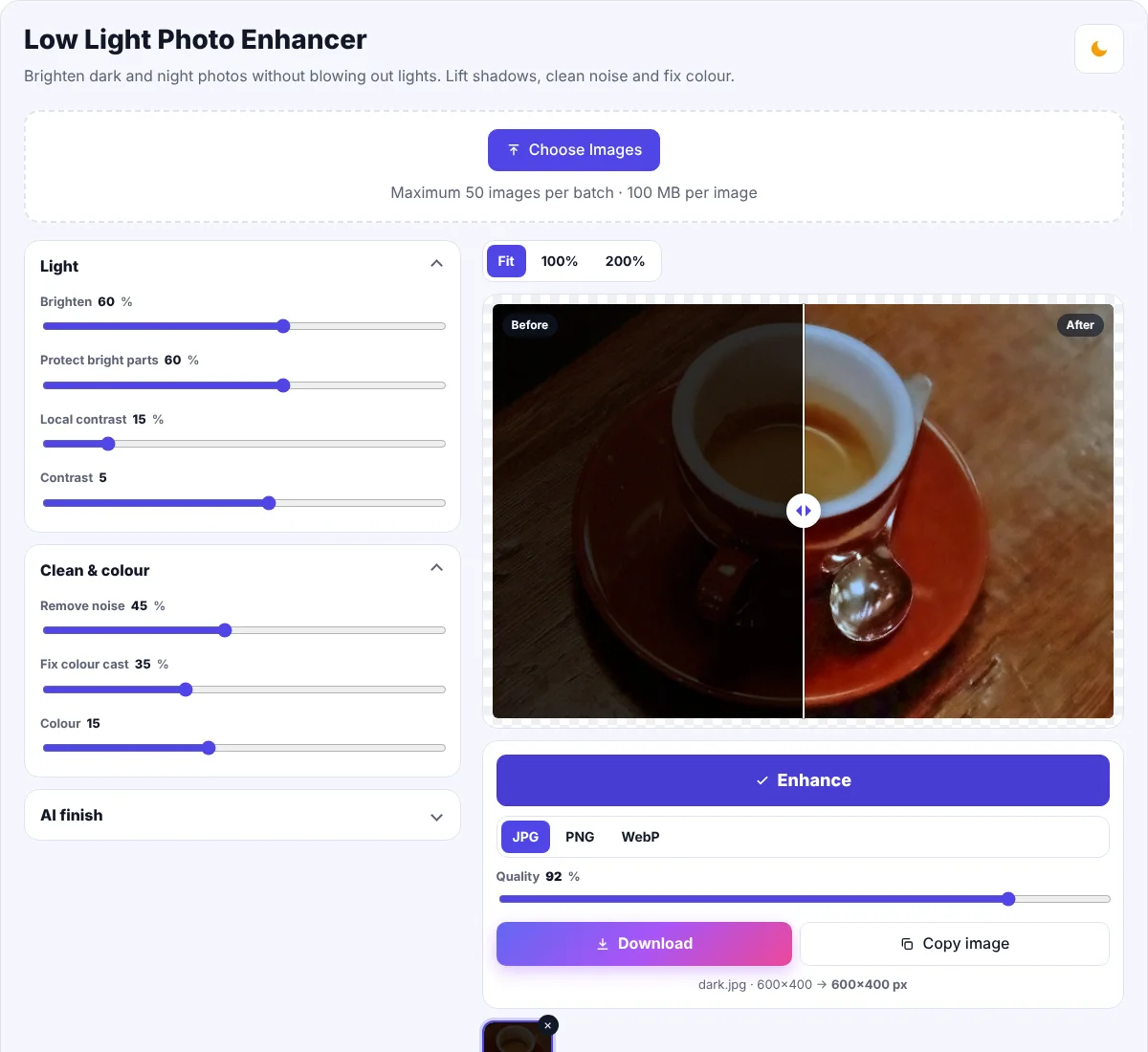
Great for indoor parties, evening shots, concerts and photos taken without flash.
How to brighten a dark photo
- Choose your photos, drag them in, or paste with Ctrl + V.
- Set the brightness boost, noise clean-up and colour fix.
- Press “Enhance”, then drag the Before | After slider and zoom in to check the result.
- Pick JPG, PNG or WebP and press Download.
Features
- Smart brighteningDark areas lifted more than bright ones.
- Noise clean-upRemoves grain revealed by brightening.
- Colour fixRemoves orange or blue casts.
- Before and afterDrag the slider and zoom to 100% or 200% to check the detail.
- JPG, PNG or WebPChoose the format and quality you need.
- Many photos at onceAdd a batch and download each result.
- PrivateEverything runs in your browser. Photos are never uploaded.
Better than brightness alone
A normal brightness slider lifts everything, so lights turn white and noise shows. This tool estimates the light in each area and brightens only where it is needed, then cleans the noise.
Frequently asked questions
How do I brighten a dark photo?
Add it, press Enhance and adjust the boost.
Will it make my photo grainy?
Noise clean-up keeps grain down.
Can I fix very dark photos?
If there is any detail, yes; pure black areas cannot be recovered.
Is it free?
Yes.
Is it private?
Yes.