
Was this tool helpful?
Thanks for your feedback!
BMP to PNG Converter – Smaller Files, No Quality Loss
Convert BMP images to PNG to make them smaller without losing any quality. PNG is lossless like BMP but compresses the data, and it opens in every browser and app.
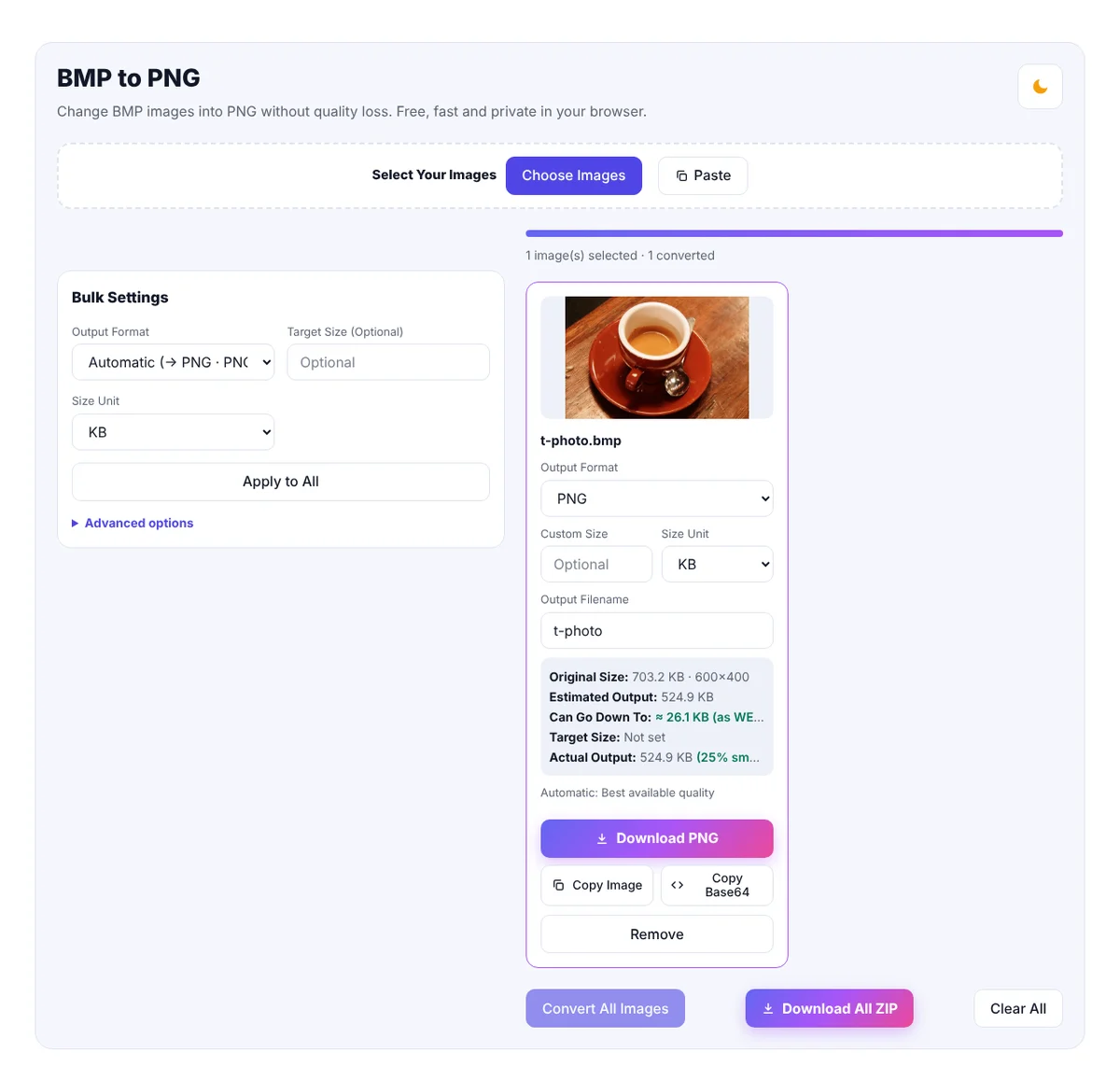
Perfect for old screenshots, diagrams and icons saved as BMP. Convert a batch and download a ZIP.
How to use the BMP to PNG Converter
- Choose your BMP files, drag them in, or paste with Ctrl + V. You can add many at once.
- Resize in Advanced options if needed.
- Press “Convert All Images”. Each card shows the new size and how much smaller or bigger the file became.
- Download each file, or press “Download All ZIP” to get every PNG in one go.
Features
- LosslessExactly the same pixels, smaller file.
- Web friendlyPNG works in all browsers, unlike BMP in some apps.
- Resize while convertingGive a width, a height or both. Keep the whole picture, fill and crop, fit inside, or stretch.
- Easy to add filesDrag and drop, paste with Ctrl + V, or paste an image link.
- Many files at onceAdd a whole folder of images, convert them together and download one ZIP.
- Private by designThe conversion runs in your browser. Your images are never uploaded to a server.
How much smaller?
It depends on the image. Graphics with flat colours shrink hugely; photos less so. Our photo test went from 703 KB to 525 KB. For photos where size matters most, use BMP to JPG.
Frequently asked questions
Is BMP to PNG lossless?
Yes.
Why is my photo PNG still big?
Photos have lots of detail that lossless formats must keep. Use JPG or WebP for small photos.
Can I convert in bulk?
Yes.
Is it free?
Yes.
Is it private?
Yes, nothing is uploaded.